Laptop overheating: causes and solutions

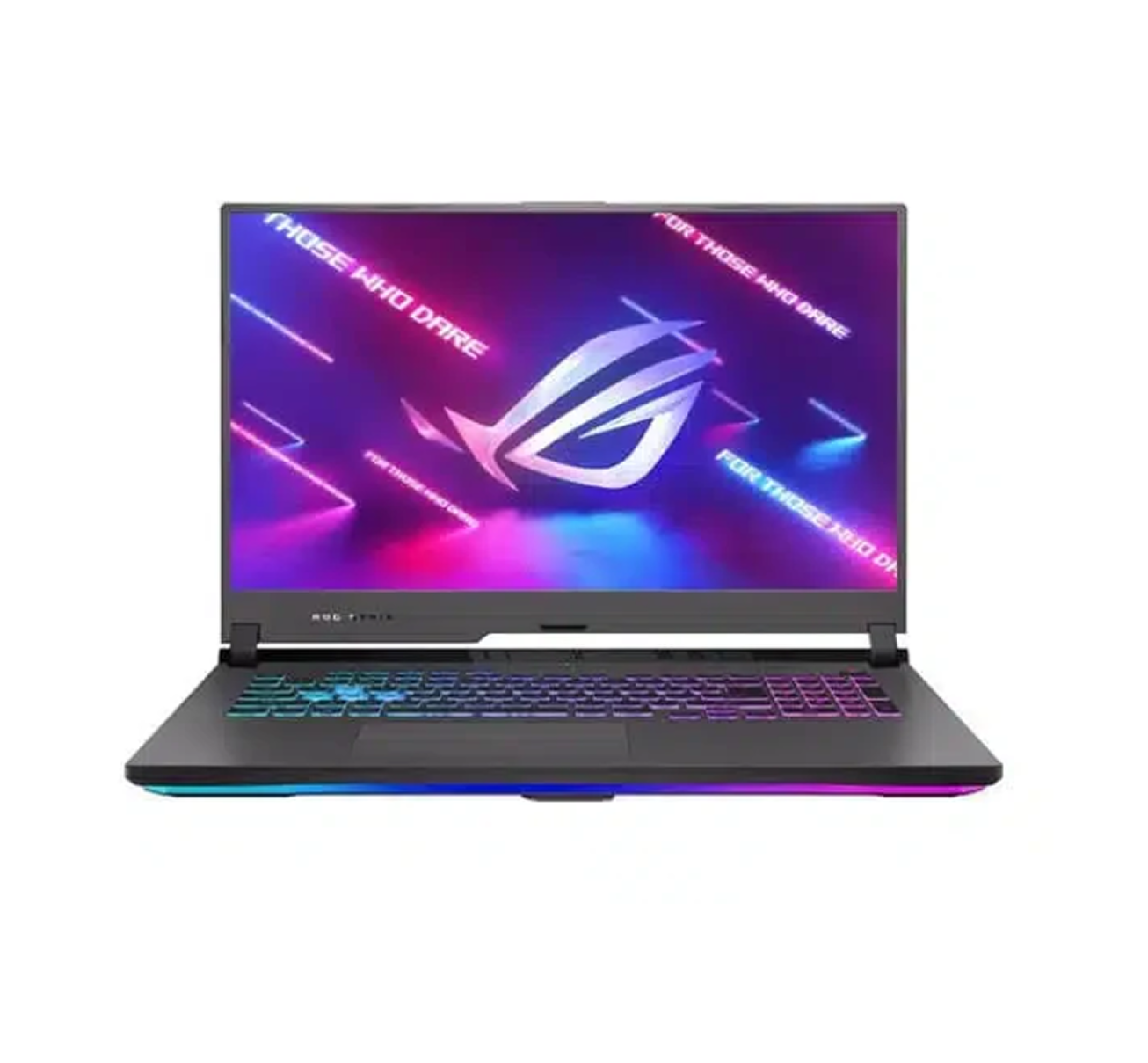
A fan that never stops, a burning keyboard, a laptop that slows down and then shuts itself off: overheating is one of the most common laptop problems, and in Marrakech summer heat and dust make it worse. The good news: it can almost always be fixed without buying a new computer.
Why laptops overheat
- Dust: the number one cause. It clogs the heatsink and fan, so hot air cannot escape.
- Dried thermal paste between the processor and the heatsink, which transfers heat poorly after a few years.
- Soft surfaces: beds, sofas and laps block the air vents.
- Background software or malware keeping the processor at 100%.
- Room temperature: above 35 °C, the cooling system has little margin.
Warning signs
- sudden shutdowns during video calls, games or editing;
- the laptop becomes very slow as soon as it heats up;
- a grinding fan, or a fan that no longer spins;
- a swollen battery or lifted touchpad: stop using the laptop and have it checked.
What you can do right now
- Use the laptop on a hard, flat surface with the vents clear.
- Open Task Manager (Ctrl + Shift + Esc) and close programs using a lot of CPU.
- Update Windows and drivers.
- Avoid working in direct sunlight.
The real fix: internal cleaning
If your laptop is over two years old and has never been opened, a full cleaning changes everything: disassembly, dust removal from the fan and heatsink, and new thermal paste. The machine runs quietly again and gets its performance back. A worn fan is replaced depending on part availability.
Our service in Marrakech
At Alfabis, diagnosis is free and you get a quote before any work. Cleaning with new thermal paste is usually done within 24 to 48 hours, in store or at your home, for all brands. See our PC repair service in Marrakech, and for companies, our IT support in Marrakech.
Contact: +212 660 46 88 90 (call or WhatsApp), Lotissement Al Massar, Quartier Industriel, Marrakech. Open Monday to Saturday, 9 am to 7 pm.